

Another repeater is not a network design.

Whole-home and small-business networks planned from the floor plan: where the access points go, what gets wired, where it all lands, and how you can tell which part has failed.

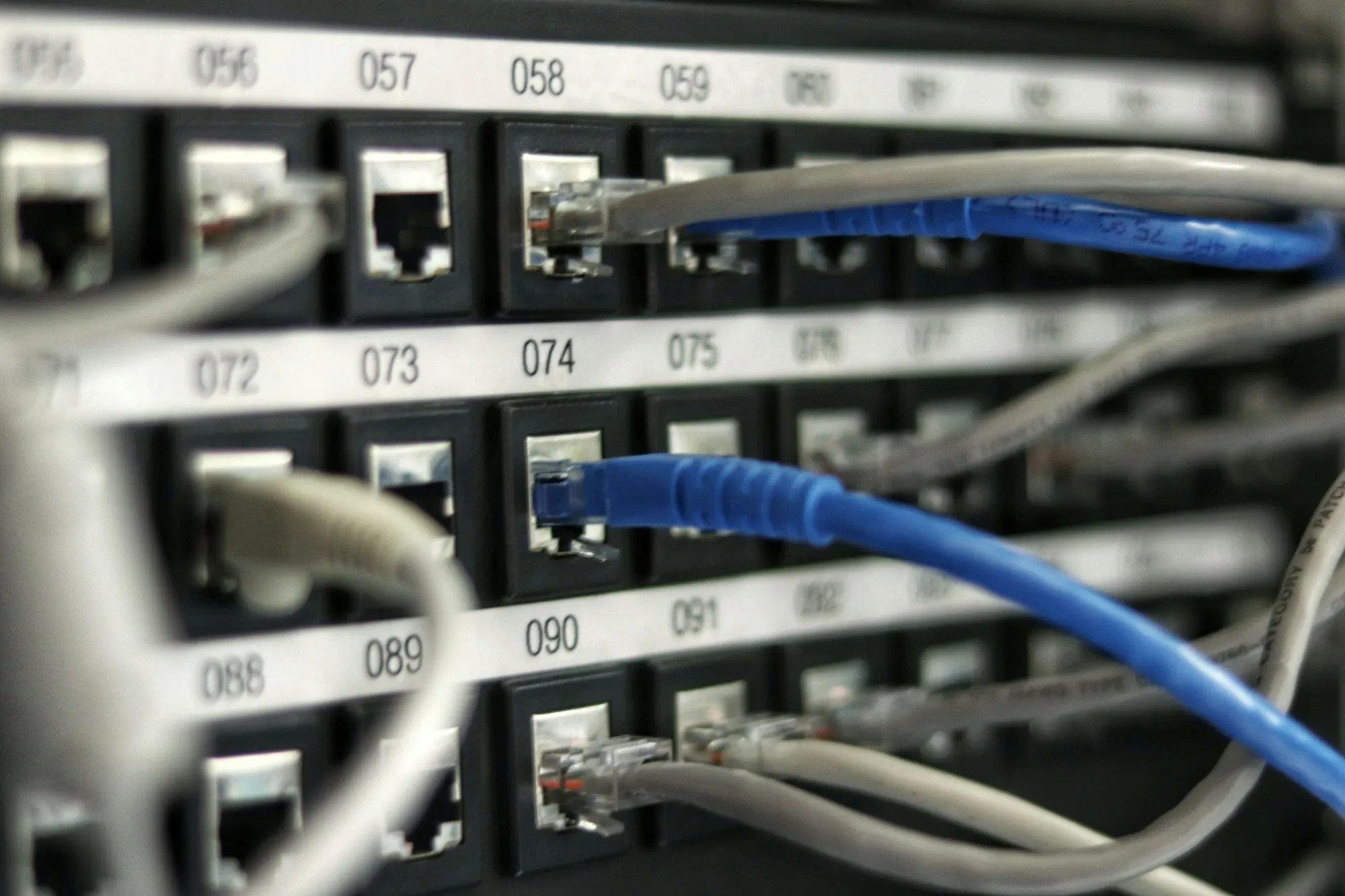
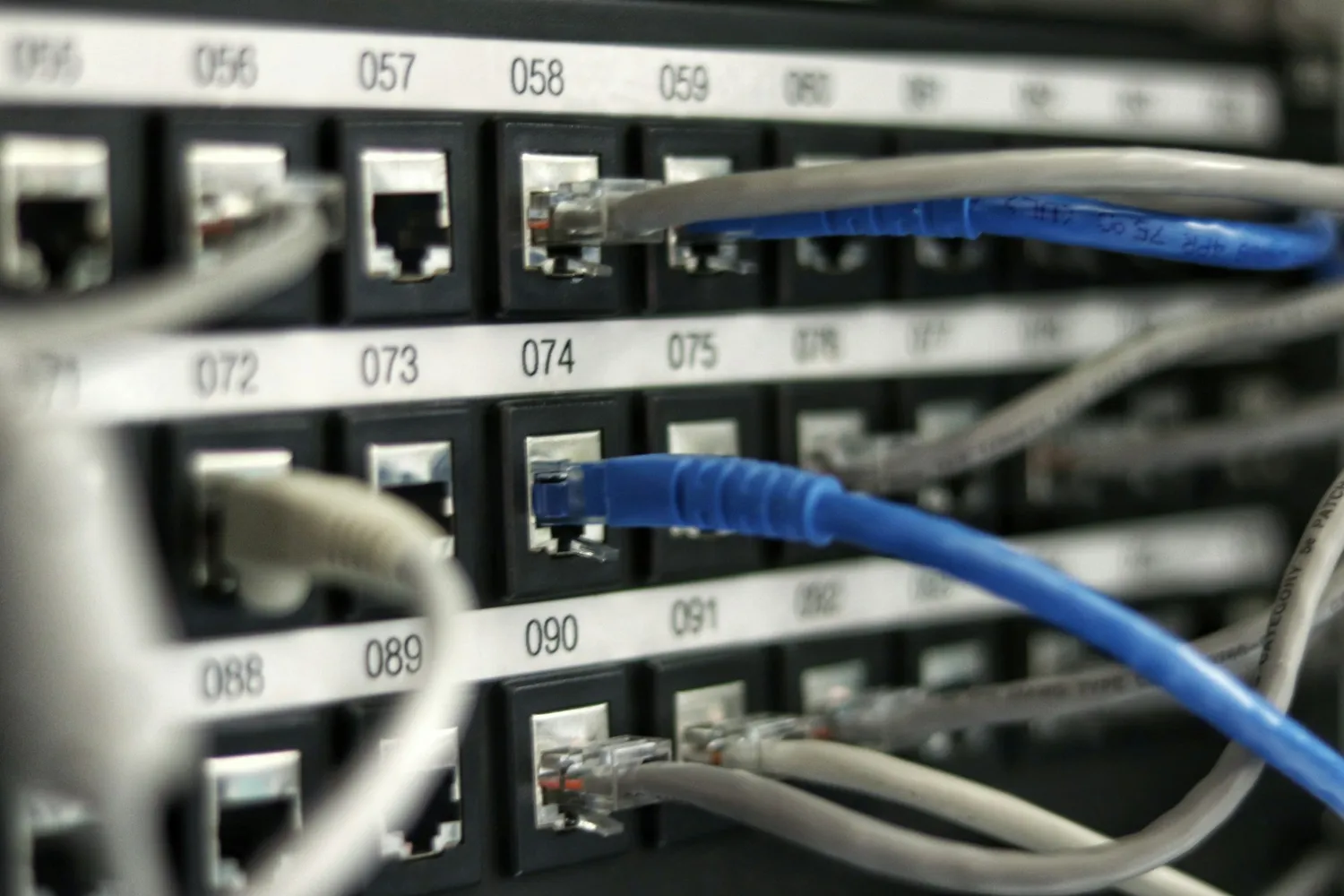
A structured cabling patch panel with network cables

Timing

The cheapest day to run cable is a day the walls are open

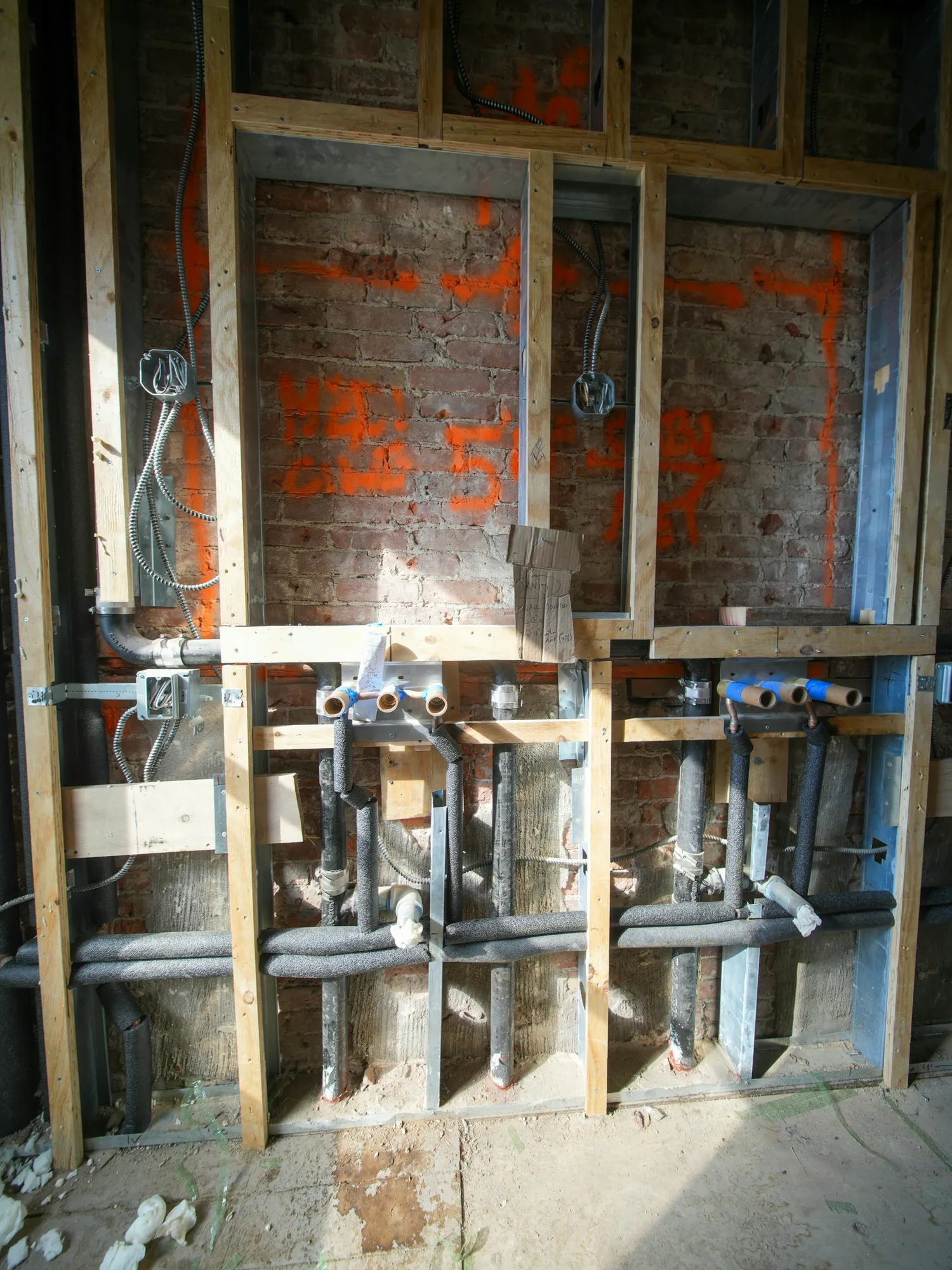
It is the one part of a connected home that is genuinely hard to add later. Everything else — access points, switches, cameras, controllers — can be changed in an afternoon. The cable in the wall cannot.

Which is why we would rather have this conversation during arenovation than after one. Same company, same schedule, no coordination between two contractors who have never met.

Cabling and services roughed into open walls

What we do

From the wall plate to the router

A network is only as good as its worst link, and the worst link is almost never the equipment people spent the most on.

01

Wi-Fi that covers the house

Access points placed from the floor plan and the construction, not a repeater added each time somebody complains about a room.

02

Structured cabling

Runs to the places that benefit most from wire — desks, TVs, access points, cameras — terminated properly at both ends.

03

Patch panel & rack

One tidy place where every run lands and every run is labelled. This is the difference between a network and a cupboard.

04

Switching & routing

Equipment sized to the house or the office, with guest and device traffic separated where it should be.

05

Small-business networks

File sharing, printers, point-of-sale and staff Wi-Fi, set up so that a failure is diagnosable rather than mysterious.

06

Backup that has been restored from

A backup nobody has tested is a hope. We set one up and then restore from it in front of you, once.

Documentation

Labelled, drawn and handed over

Every run is labelled at both ends, the layout is drawn, and you get the admin credentials. The point is not tidiness for its own sake — it is that in two years, when something stops working, the diagnosis takes ten minutes instead of an afternoon of pulling cables to see which light goes out.

The interior of a custom-built computer

FAQ

Networking questions we get asked

Do we really need cable? Wi-Fi is fine.

Wi-Fi is fine until it is not, and when it is not the cause is almost always the same: one router trying to cover a house through several walls. Cable does not replace Wi-Fi — it is what lets you put access points where the coverage actually needs to come from. The cable is for the infrastructure; the Wi-Fi is for your phone.

We are renovating. When should this happen?

While the walls are open, and that window is short. Pulling cable through open framing is a fraction of the cost of retrofitting it afterwards, and it is the only stage where the route is free. If we are already doing the renovation, this gets sequenced into it.

Can you work with the equipment we already have?

Usually, and we would rather re-use than replace. What we will not do is build a design around a piece of equipment that is the reason the network is failing, and then let you believe the problem is fixed.

What happens if something breaks later?

You have the labelled panel, the documented layout and the admin credentials, so any competent technician can pick it up. And you can call us — but you should never be in a position where you have to.

Next step

Send us a floor plan and the dead spots.

Where the internet comes in, where it fails, and what the house is built from. Those three answers get you a real design rather than another box on a shelf.

Or reach us directly

(780) 297-3888newergyindustries@gmail.com

Monday to Friday, 9:00 AM – 5:00 PM MT

Working across Canada