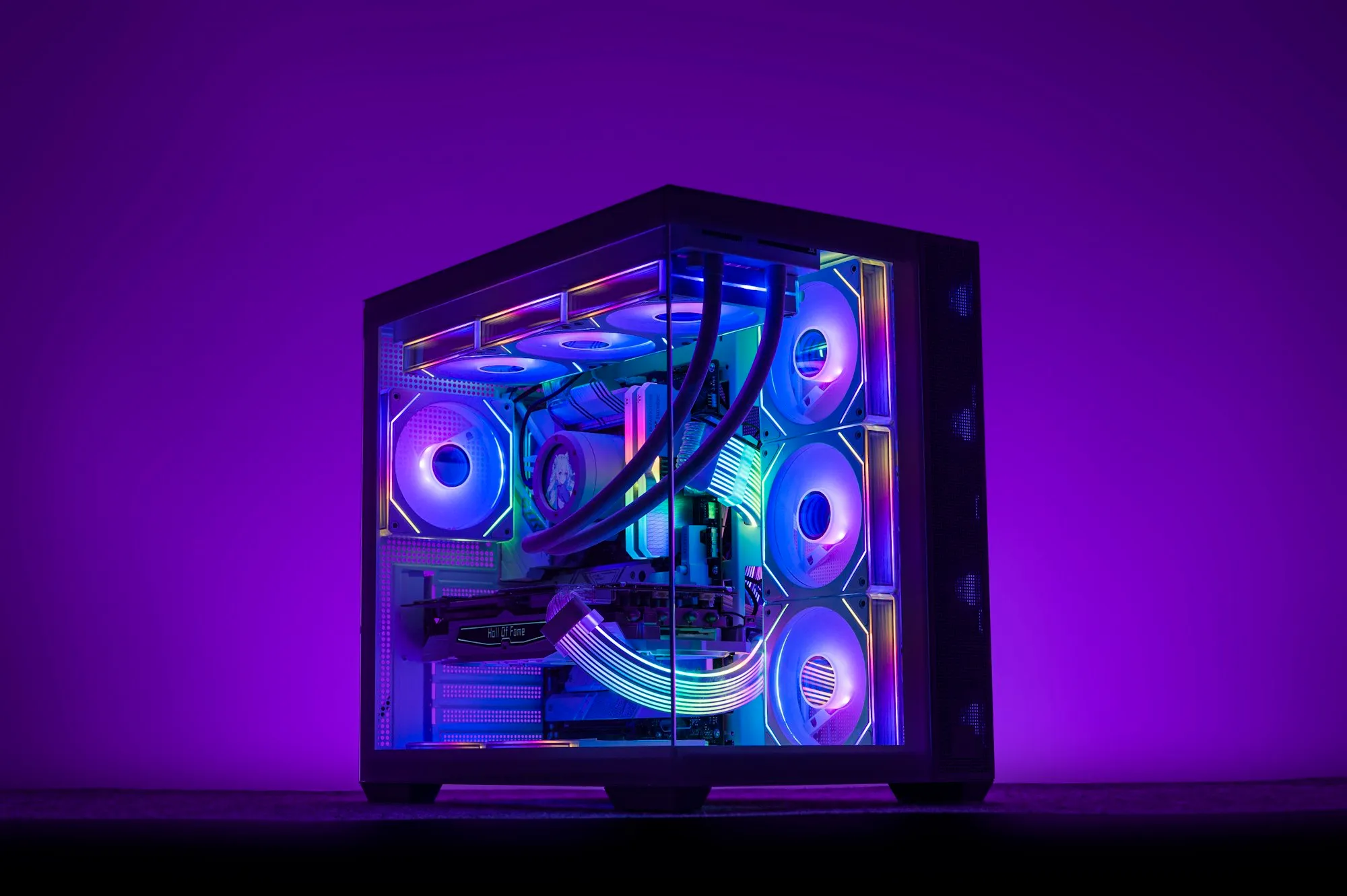

A machine you know the inside of.

Built to a spec you can read, assembled and tested, and handed over with the parts list. No mystery components, no bloatware — you own the machine and you know what is in it.

A custom-built desktop computer

What you get

From the parts list to the desk

Most of this is unremarkable. It is listed because the places a build goes wrong are the boring ones — an undersized power supply, a case with no airflow, an operating system full of somebody else’s software.

01

Built to a stated spec

You see the parts list before we buy anything, and you keep it afterwards. Every component is named — no “high-performance graphics” standing in for a model number.

02

Assembled and tested

Built, cable-managed, and run under load long enough for the weak part to fail here rather than in your first week.

03

Clean install

A current operating system, drivers, and nothing else. No trial software, no toolbars, no “utilities” that exist to sell you something.

04

Upgrades & diagnostics

On machines you already own. Often the honest answer is one component and a clean install rather than a new tower.

05

Workstations for a job

CAD, estimating, video, point-of-sale. What the software actually needs, rather than what the box in the shop has the biggest sticker for.

06

Data migration

Your files, accounts and settings moved across and verified with you before the old machine goes anywhere.

Why the parts list matters

The specification is the product

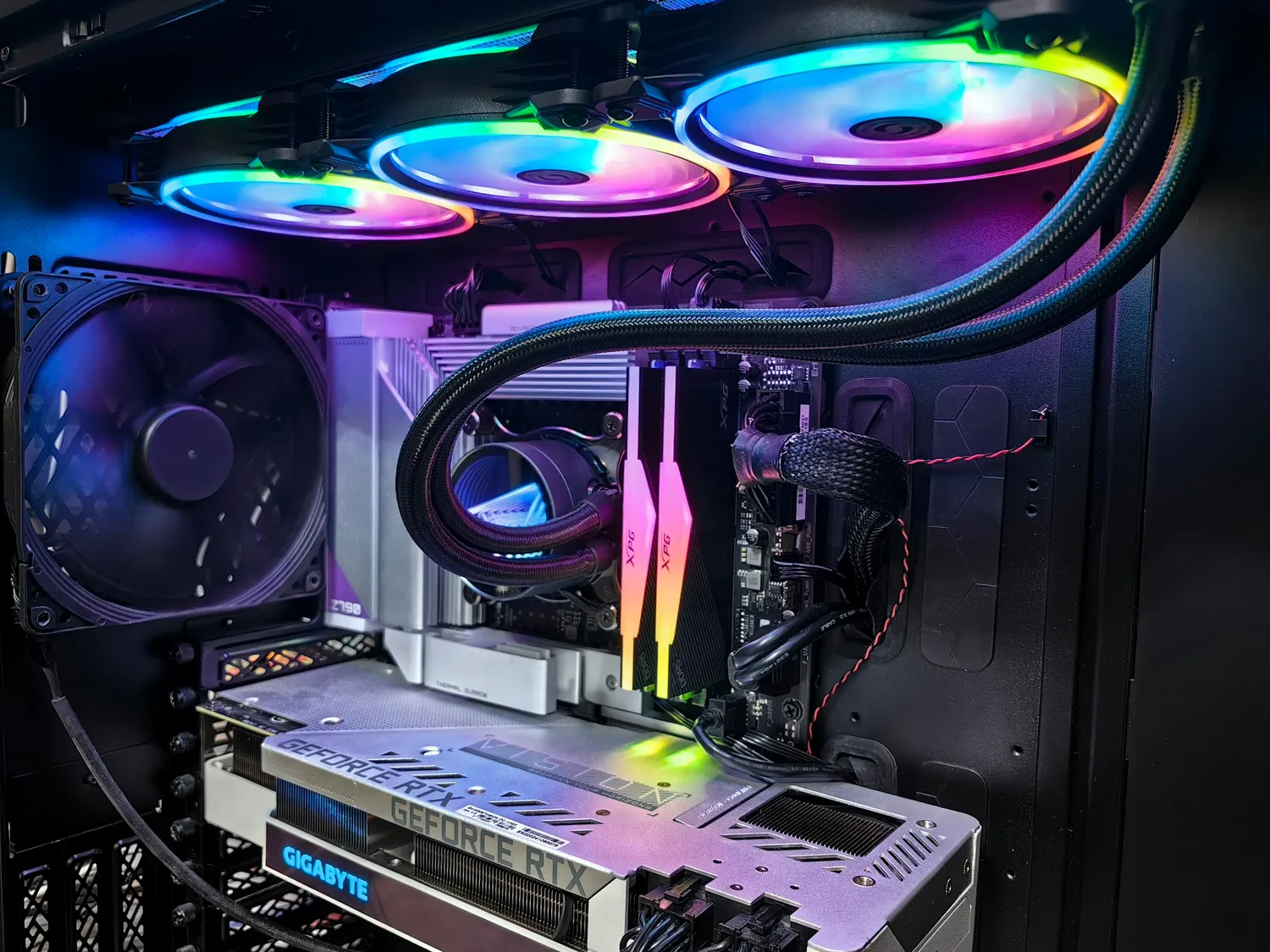
A machine described in adjectives cannot be compared, warrantied or upgraded. A machine described in model numbers can be. That is the whole reason we hand the list over rather than keeping it as leverage.

It also means that in three years, when something needs replacing, you or anybody else can work out what fits.

The interior of a custom PC build

FAQ

Build questions we get asked

Is a custom build cheaper than a prebuilt?

Not always, and we will say so when it is not. What it reliably is, is knowable: you know every part, why it was chosen, and what can be upgraded later. Prebuilt machines save money in exactly the places you cannot see until they matter — power supply, cooling, and a motherboard with nowhere to go.

What do you need from us to quote?

What the machine is for and what it has to run. “A fast computer” is not a specification; “these three programs, these file sizes, two monitors” is. Budget helps too — it changes which compromise we recommend, and there is always a compromise.

Do you offer a warranty?

Components carry their manufacturer warranties, and you hold the parts list to claim against them — that is one of the reasons you get it. On our own workmanship, if something we assembled is at fault, we deal with it.

Can you fix the machine we have?

Usually. Diagnostics first, then an honest recommendation — sometimes that is a part, sometimes it is a clean install, and sometimes it is that the machine has reached the end of being worth spending money on.

Next step

Tell us what the machine has to run.

The software, the file sizes, the number of monitors and roughly the budget. We will come back with a parts list and the reasoning behind each choice.

Or reach us directly

(780) 297-3888newergyindustries@gmail.com

Monday to Friday, 9:00 AM – 5:00 PM MT

Working across Canada